What makes a good Diwali status video
On Diwali morning almost everyone in your contacts posts a status, and many of them share the same forwarded clip. Yours stands out when it is personal. You don't need a studio or a big edit. Four things matter.
- Your own photos. Last year's diyas on the balcony, the rangoli at the door, the family in new clothes, the sweets box being opened. Photos people recognise beat stock fireworks every time.
- One short wish. A status is watched for a few seconds on a small screen. One line of greeting and your name is enough; long paragraphs get skipped.
- Music that fits the mood. A soft devotional track suits Lakshmi Puja photos; an upbeat song suits family and phuljhadi pictures. When the photos change on the beat, the video feels edited even if it took two minutes.
- The right shape. WhatsApp Status is vertical. A 9:16 video fills the screen with no black bars, which is how every Diya video is made.
Keep it short. Diya's Diwali templates run about 12 to 20 seconds, which is plenty for six to eight photos and comfortably fits a single status.
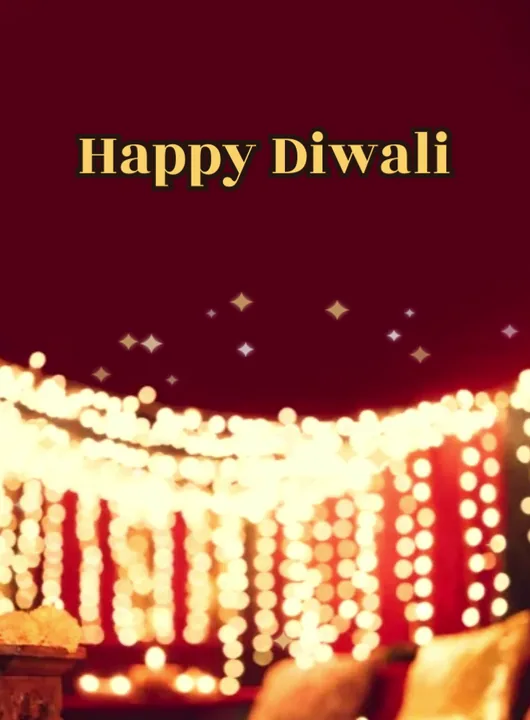
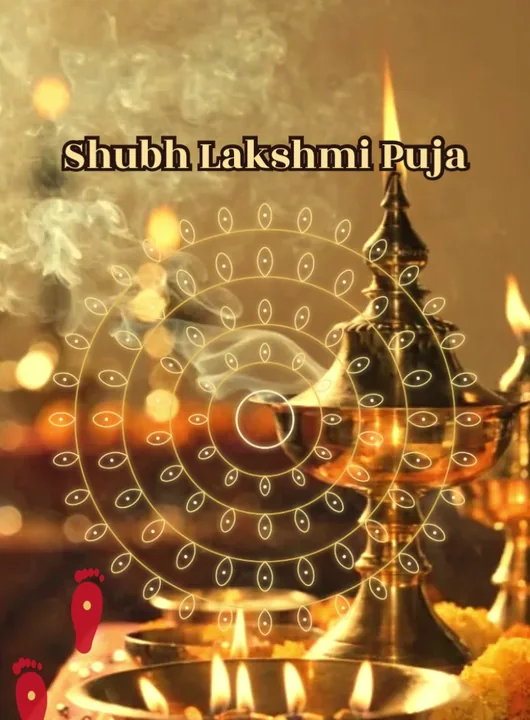
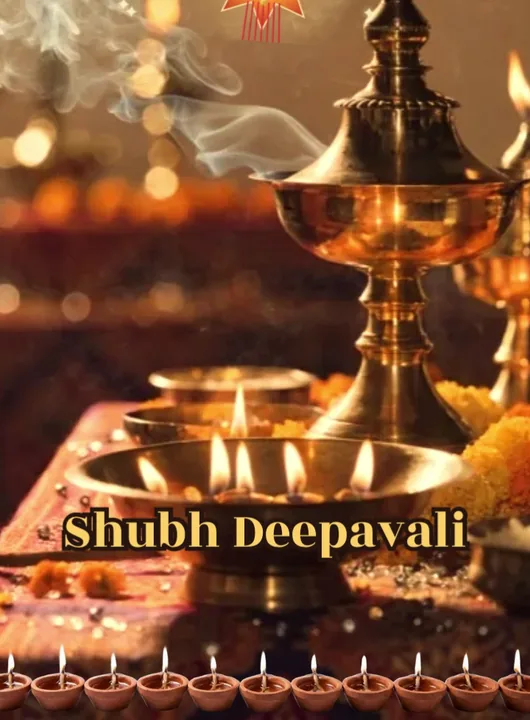
Template covers rendered by the app with sample photos — your video uses your own.
12 Diwali wishes to copy
Tap Copy, then paste the line into the greeting box in Diya (or straight into a WhatsApp caption). They're written to be short enough for one line on a status.
- May every diya you light tonight bring a little more light into your year. Happy Diwali!
- दीयों की रौशनी, मिठाइयों की मिठास और अपनों का साथ — शुभ दीपावली!
- Lights on, worries off. Wishing you a bright and peaceful Diwali.
- इस दिवाली आपके घर में सुख, शांति और खुशियों का उजाला हो।
- From our home to yours — sweets, smiles and a sky full of light. Happy Diwali!
- Rangoli at the door, family in the courtyard, joy everywhere. शुभ दीपावली!
- May Maa Lakshmi bless your home with happiness and prosperity. Happy Deepavali!
- हर दीया एक दुआ है — आपके लिए ढेर सारी खुशियाँ।
- Wishing you a Diwali as warm as the first diya of the evening.
- नई रौशनी, नई उम्मीदें — दिवाली की हार्दिक शुभकामनाएँ।
- Less noise, more light, lots of love. Happy Diwali from all of us.
- Far from home this Diwali, but my heart is lighting diyas with you.
How to make a Diwali status video with Diya
- Open a Diwali template. Install Diya from Google Play or the App Store and open it. In the templates, pick the Diwali category and tap a template to see its preview. Free Diwali templates include Diya Glow, Lakshmi Puja, Rangoli Burst, Akash Kandil, Rangoli & Lotus and From Our Family. Templates marked Premium need a subscription; the others are free to use.
- Add your photos. Choose photos from your gallery. Most Diwali templates take 3 to 8 photos; From Our Family takes up to 10. If you pick fewer photos than the template has slots, Diya repeats them in a loop, so even two good photos make a full video.
- Type your wish and your name. On the Add your text screen, type your greeting and your name. The greeting comes pre-filled — “Happy Diwali”, or “शुभ दीपावली” when the app is in Hindi — and most templates allow about 36 characters on it, so keep your own wish short. Leave a line blank to skip it.
- Pick the music. Each template starts with a track from Diya's music library. Tap Choose music to switch (tracks with a lock are Premium). Keep Beat-sync on and the photos change on the beat. To use your own song, open Edit clips & timing, then music, then Import from phone — only use a song you have the right to share.
- Make the video. Tap Make video →. Diya builds it on your phone in a portrait 9:16 frame and saves it to your gallery. Free videos export in 720p with a small “Diya” mark and a short “Made with Diya” end card; Premium exports 1080p (4K on Android) with neither.
- Share it to WhatsApp Status. On the Your video is ready! screen, tap WhatsApp (on Android) or Export & share and pick WhatsApp, then choose My status and send. You can send the same file to family chats and groups too.
Want your family's name in big, glowing letters instead of a small line? See how to make a Happy Diwali video with your name.
When to post your Diwali status
A WhatsApp status stays up for 24 hours, so timing decides who sees it.
- Make it a day early. Build the video on Saturday 7 November (Choti Diwali in most calendars) so it is waiting in your gallery. On the free plan you get one new video a day after your first two, so a video made on the 7th leaves the 8th free for another.
- Post the wish on Diwali morning. Put it up on the morning of Sunday 8 November; it then stays live through the evening puja and the night, when people check statuses most.
- Post a second one after the puja. Photos of tonight's diyas and rangoli make the best video of all. Snap them during the evening, make a quick video, and post it the same night.
- Plan the five days. Dhanteras is on Friday 6 November, Govardhan Puja and Bhai Dooj follow right after Diwali. The festival calendar has every date.
Questions people ask
When is Diwali in 2026?
Diwali (Lakshmi Puja) is on Sunday, 8 November 2026, as listed in the Government of India holiday list. Dhanteras is on Friday, 6 November.
Can I make a Diwali status video for free?
Yes. In Diya your first 2 videos are free, then 1 free video every day, in 720p. Free videos carry a small “Diya” mark and a short “Made with Diya” end card; Premium removes both and exports in 1080p.
Can I use my own song?
Yes. Open Edit clips & timing, go to music and tap Import from phone. Only use a song you have the right to share; otherwise pick a track from Diya's music library.
Are my photos uploaded anywhere?
No. Diya makes the video on your phone and your photos are never uploaded.