🎬 #1 Photo Video Maker on Google Play

Create Stunning
Videos From Photos
With Music

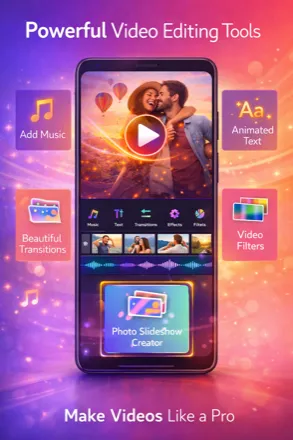
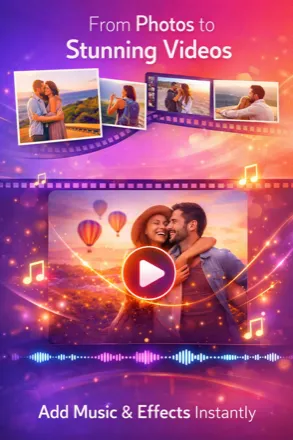
Transform your photos into beautiful videos with 17+ trending filters, 249 frames, cinematic effects, and your favorite music. All for free.

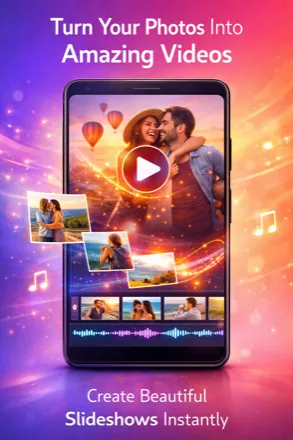
Photo Video Maker App Screenshot
1M+
Downloads
4.5★
Rating on Play Store
17+
Trending Filters
249
Frame Overlays

Everything You Need to Create Amazing Videos

Professional video editing tools, right in your pocket. No experience needed.

🎨

17+ Trending Filters

From Vintage and Cinematic to Cyberpunk and VHS — apply GPU-powered filters that make your videos pop.

🖼️

249 Frame Overlays

Choose from Daily, Love, Birthday, Christmas, Halloween, and New Year themed frames.

🎵

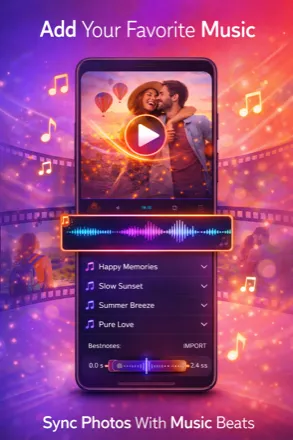
Music Library

Add the perfect soundtrack from our built-in music library. Trending, love, chill, and birthday categories.

Smooth Transitions

8 beautiful transition effects between photos — gradient, window, thaw, scale, and more.

📝

Text & Stickers

Add text with custom fonts, colors, shadows, and stickers. Make your videos personal.

🎞️

Video Editor

Full video editing suite with glitch effects, trim, speed control, and professional adjustments.

Trending Filters That Make Your Videos Shine

All filters are GPU-accelerated for real-time preview and smooth performance.

🎞️
Vintage
🌆
Cyberpunk
☁️
Dreamy
🎬
Cinematic
👾
Retro Game
📼
VHS
💜
Neon Glow
🌅
Warm Sunset

See It in Action

A beautiful, intuitive interface designed for creators of all levels.

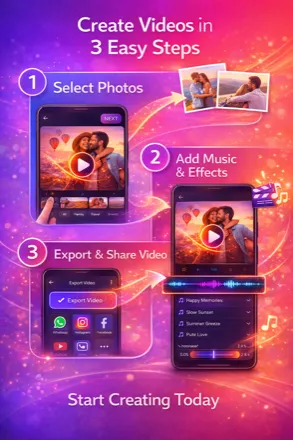
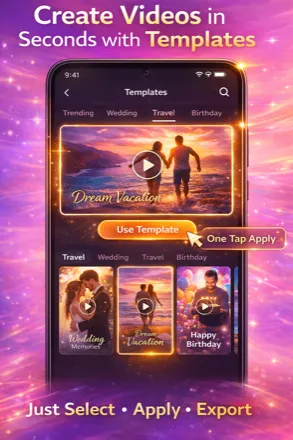
Create a Video in 3 Simple Steps

No editing experience needed. Just pick, customize, and share.

1

Select Your Photos

Pick your favorite photos from your gallery. Drag and drop to reorder them exactly how you want.

2

Customize Your Video

Add filters, frames, transitions, music, and text. Preview in real-time before saving.

3

Save & Share

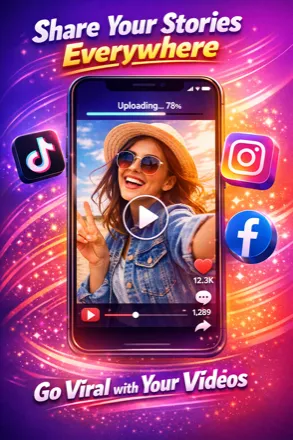
Export your video and share it directly to Instagram, TikTok, WhatsApp, or any social media.

Loved by Millions of Creators

See what our users say about Photo Video Maker.

★★★★★

"Best video maker app I've ever used! The filters are amazing and the music library is huge. Made a birthday video for my mom in minutes!"

Sarah K.
★★★★★

"Love the Cyberpunk and Neon filters! My Instagram reels look so professional now. The app is super easy to use."

Mike R.
★★★★★

"I create slideshows for weddings and events. This app has everything I need — frames, transitions, music. Highly recommend!"

Ana L.

Frequently Asked Questions

How do I make a video from photos with music?

Open Photo Video Maker, tap "Make Video", select your photos from the gallery, choose an aspect ratio, then customize with filters, transitions, frames, and music. Tap "Finish" to export your video and share it on social media.

Is Photo Video Maker free?

Yes! Photo Video Maker is completely free to download and use. All 17+ filters, 249 frame overlays, and transitions are free. An optional premium subscription removes ads and unlocks HD 1080p export quality.

What filters are available?

The app includes 17+ GPU-accelerated filters: Vintage, Cyberpunk, Dreamy, Cinematic, Retro Game, VHS, Neon Glow, Warm Sunset, Black & White, Snow, Cameo, and 5 LUT color grading presets. All filters show real-time preview.

Can I add my own music to videos?

Yes! You can select music from the built-in library with categories like Trending, Love, Birthday, and Chill. You can also import your own audio files directly from your device storage.

What video formats and quality are supported?

Videos are exported in MP4 format. Free users export at 480p quality, while premium subscribers get full HD 1080p export. The app supports all common photo formats (JPG, PNG, WebP).

Can I share videos directly to social media?

Yes! After creating your video, you can share it directly to Instagram, TikTok, WhatsApp, Facebook, YouTube, or any other app on your device.

Ready to Create Your First Video?

Join millions of creators. Download free on Google Play.

Download Free on Google Play